
Are there any ergonomic considerations for HMI size? You bet there are! As someone who works with HMI (Human-Machine Interface) size on a daily basis as a supplier, I've seen firsthand how crucial these considerations can be. In this blog, I'll dive into the key ergonomic factors you need to think about when choosing an HMI size, and I'll share some insights that can help you make the best decision for your specific needs.
Visibility and Readability
One of the most important ergonomic aspects of HMI size is visibility. You want to make sure that the information on the HMI is easy to see and read, no matter the environment. For instance, if the HMI is going to be used in a bright industrial setting, a larger screen might be necessary to ensure that the text and graphics are clearly visible. On the other hand, if the HMI is for a more controlled indoor environment, a smaller screen could work just fine.
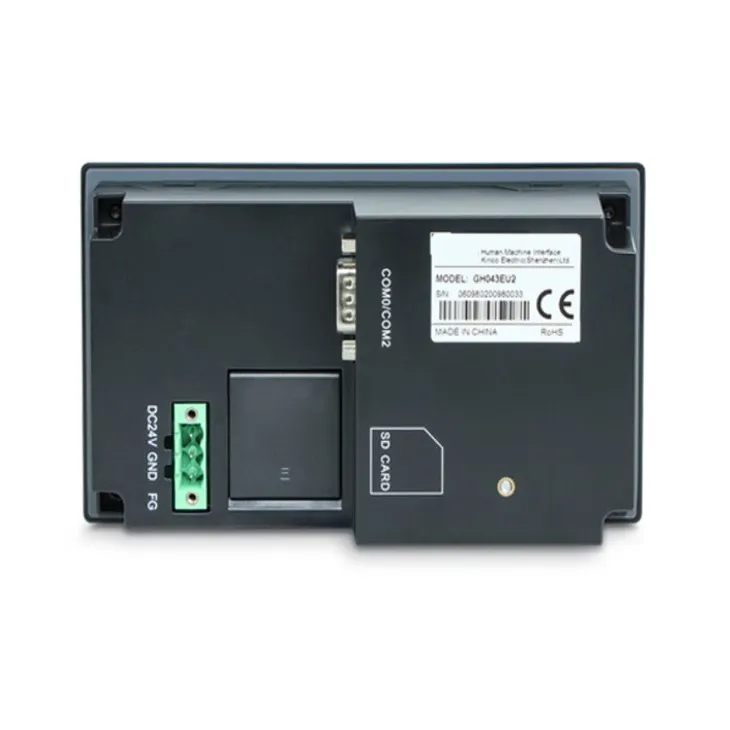
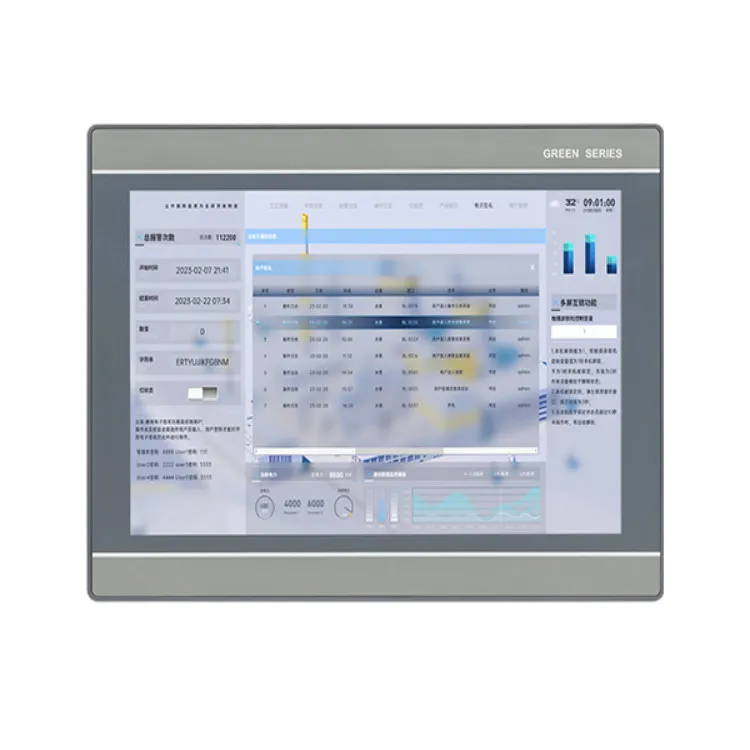
Let's take a look at some specific sizes. The 4.3 Inch HMI is a great option for applications where space is limited. It's compact and can still display essential information. However, the text and icons on a 4.3-inch screen might be a bit small for some users, especially those with less-than-perfect vision. If readability is a major concern, you might want to consider a larger size.
The 10.1 Inch HMI offers a good balance between size and portability. It provides enough screen real estate to display detailed information, graphs, and images without taking up too much space. This size is often used in industrial control panels, where operators need to view and interact with a variety of data.
For applications that require even more visibility, the 12.1 Inch HMI is a top choice. With its larger screen, it's easier to display complex information and have a clear overview of the system. This size is commonly used in control rooms and large-scale industrial applications.
Interaction and Usability
Another important ergonomic factor is how easy it is to interact with the HMI. The size of the screen can have a big impact on this. If the screen is too small, it can be difficult to accurately tap or swipe on the icons and buttons. This can lead to user frustration and errors.
On a smaller HMI, such as the 4.3-inch model, the touch targets need to be carefully designed to be large enough for easy interaction. However, even with well-designed touch targets, some users might still find it challenging to use the HMI with precision.
Larger screens, like the 10.1-inch and 12.1-inch HMIs, offer more space for buttons and icons, making it easier to interact with the system. Users can more accurately tap on the desired elements, reducing the risk of accidental input. Additionally, larger screens can support multi-touch gestures, which can enhance the user experience and make it more intuitive to operate the HMI.
Placement and Mounting
The placement and mounting of the HMI also play a role in ergonomics. You need to make sure that the HMI is positioned at a comfortable viewing angle and height. If the HMI is too high or too low, it can cause neck and eye strain for the users.
When choosing an HMI size, you also need to consider the available space for mounting. A larger HMI might require more space for installation, and you need to ensure that it can be properly mounted without obstructing other equipment or interfering with the workflow.
For example, if you're installing an HMI in a control panel, you need to make sure that there is enough clearance around the screen for easy access and operation. You might also need to consider the depth of the HMI, as some larger models can be thicker and require more space behind the panel.
User Preferences and Experience
Finally, it's important to take into account the user preferences and experience. Different users might have different requirements when it comes to HMI size. Some users might prefer a smaller, more portable HMI, while others might find a larger screen more comfortable and easier to use.
It's a good idea to involve the end-users in the decision-making process. You can conduct user testing with different HMI sizes to see which one works best for them. This can help you identify any potential ergonomic issues early on and make the necessary adjustments.
Conclusion
In conclusion, there are definitely many ergonomic considerations for HMI size. Visibility, interaction, placement, and user preferences all play a role in determining the best HMI size for your application. As a supplier, I'm here to help you navigate these considerations and find the perfect HMI size for your needs.
If you're in the market for an HMI and want to discuss the ergonomic aspects further, I'd love to hear from you. We can have a detailed conversation about your specific requirements and find the best solution for you. Whether you need a 4.3-inch, 10.1-inch, or 12.1-inch HMI, we have a wide range of options to choose from. Don't hesitate to reach out and start the procurement process. Let's work together to ensure that you get an HMI that not only meets your functional needs but also provides a comfortable and efficient user experience.
References
- Norman, D. A. (2013). The Design of Everyday Things. Basic Books.
- Wickens, C. D., Lee, J. D., Liu, Y., & Gordon-Becker, S. E. (2015). An Introduction to Human Factors Engineering. Pearson.