

Hey there! As an IoT Gateway supplier, I've had my fair share of experiences in setting up these nifty devices. Configuring an IoT gateway might seem like a daunting task, but trust me, it's not as hard as it looks. In this blog, I'll walk you through the steps to configure an IoT gateway, and I'll also share some tips and tricks I've picked up along the way.
Understanding the Basics of an IoT Gateway
Before we dive into the configuration process, let's quickly go over what an IoT gateway is and what it does. An IoT gateway is like a middleman between your IoT devices and the cloud or other backend systems. It collects data from your IoT devices, processes it, and then sends it to the appropriate destination. It can also receive commands from the cloud and send them to your IoT devices.
There are different types of IoT gateways, each with its own set of features and capabilities. Some gateways are designed for specific industries or applications, while others are more general-purpose. The type of gateway you choose will depend on your specific needs and requirements.
Step 1: Choose the Right IoT Gateway
The first step in configuring an IoT gateway is to choose the right one for your needs. There are several factors you need to consider when making this decision, such as:
- Connectivity: Make sure the gateway supports the communication protocols used by your IoT devices. Common protocols include Wi-Fi, Bluetooth, Zigbee, and Ethernet.
- Processing Power: If you have a large number of IoT devices or if your devices generate a lot of data, you'll need a gateway with sufficient processing power to handle the load.
- Security: Security is a major concern in the IoT world. Look for a gateway that offers robust security features, such as encryption, authentication, and access control.
- Scalability: Consider whether you'll need to add more IoT devices in the future. Choose a gateway that can easily scale to accommodate your growing needs.
As an IoT Gateway supplier, I can help you choose the right gateway based on your specific requirements. Just drop me a line, and we can discuss your options.
Step 2: Hardware Setup
Once you've chosen the right IoT gateway, the next step is to set up the hardware. This typically involves the following steps:
- Power On: Connect the gateway to a power source and turn it on.
- Network Connection: Connect the gateway to your local network using an Ethernet cable or Wi-Fi. Make sure the gateway has access to the internet if you plan to send data to the cloud.
- Device Connection: Connect your IoT devices to the gateway using the appropriate communication protocols. For example, if your devices use Wi-Fi, make sure they are connected to the same Wi-Fi network as the gateway.
Step 3: Software Configuration
After the hardware setup is complete, it's time to configure the software. This usually involves the following steps:
- Access the Gateway Interface: Most IoT gateways have a web-based interface that you can access using a web browser. Enter the IP address of the gateway in your browser's address bar to access the interface.
- Login: Enter the username and password to log in to the gateway interface. If this is the first time you're accessing the interface, you may need to set up the initial login credentials.
- Network Configuration: Configure the network settings of the gateway, such as the IP address, subnet mask, and gateway. Make sure the gateway is connected to the correct network.
- Device Configuration: Add your IoT devices to the gateway. This usually involves entering the device's MAC address or other identifying information. You may also need to configure the communication protocol and other settings for each device.
- Data Routing: Configure the data routing settings to specify where the data from your IoT devices should be sent. You can send the data to the cloud, a local server, or other destinations.
Step 4: Testing and Monitoring
Once the configuration is complete, it's important to test the gateway to make sure it's working properly. You can do this by sending some test data from your IoT devices and checking if it's being received at the destination. You can also monitor the gateway's performance using the built-in monitoring tools or third-party monitoring software.
Tips and Tricks
Here are some tips and tricks to help you configure your IoT gateway more effectively:
- Read the Documentation: Make sure you read the user manual and documentation provided by the gateway manufacturer. This will give you a better understanding of the gateway's features and capabilities and how to configure it.
- Backup Your Configuration: Before making any major changes to the gateway's configuration, make sure you backup the existing configuration. This will allow you to restore the configuration if something goes wrong.
- Keep Your Software Up to Date: Regularly update the gateway's software to ensure it has the latest security patches and features.
- Use a Monitoring Tool: Consider using a monitoring tool to keep track of the gateway's performance and detect any issues early.
Additional Considerations
When configuring an IoT gateway, you may also want to consider the following:
- Security: As mentioned earlier, security is a major concern in the IoT world. Make sure you implement best practices for securing your gateway and your IoT devices, such as using strong passwords, enabling encryption, and regularly updating your software.
- Integration with Other Systems: If you plan to integrate your IoT gateway with other systems, such as a business intelligence tool or a customer relationship management system, make sure the gateway supports the necessary integration protocols and APIs.
- Scalability: As your IoT network grows, you may need to scale your gateway to accommodate the increased load. Consider using a gateway that supports clustering or other scalability features.
Conclusion
Configuring an IoT gateway doesn't have to be a difficult task. By following the steps outlined in this blog and using the tips and tricks I've shared, you should be able to configure your gateway successfully. If you have any questions or need further assistance, don't hesitate to contact me. As an IoT Gateway supplier, I'm here to help you every step of the way.
If you're interested in purchasing an IoT gateway or need help with the configuration process, please reach out to me. I'd be happy to discuss your requirements and provide you with a customized solution.
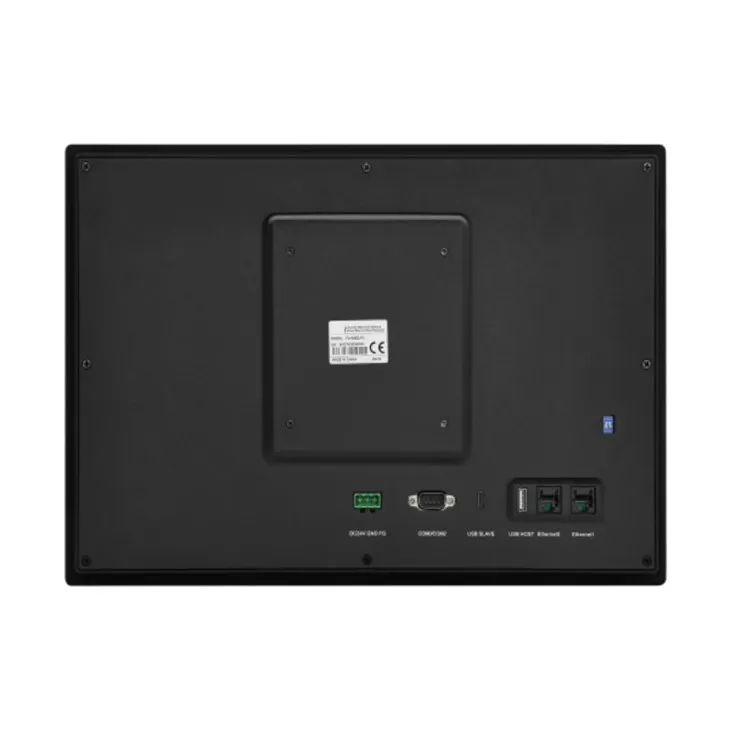
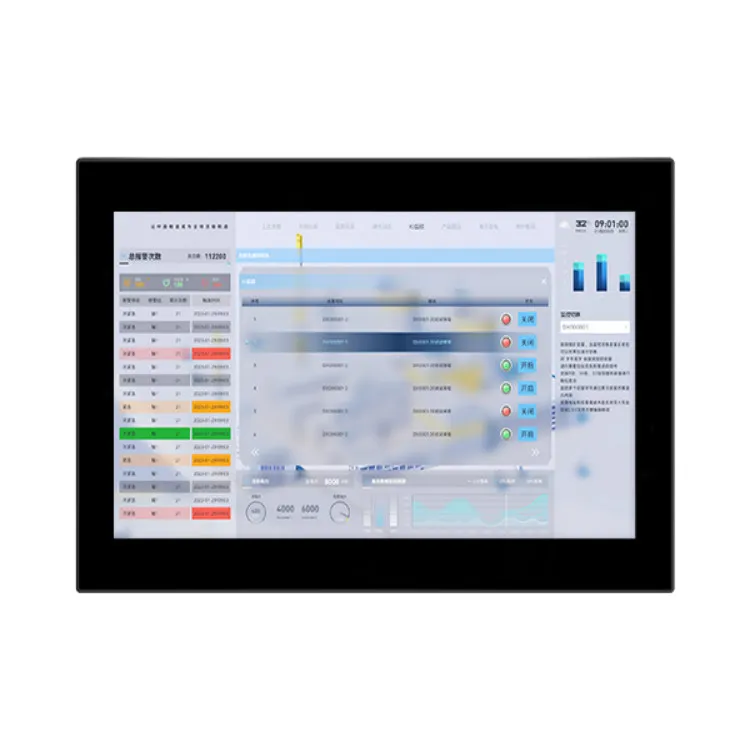
When it comes to choosing the right HMI for your IoT application, you might also want to check out our Wide Temperature HMI, Solar HMI, and Embedded HMI. These HMIs are designed to work seamlessly with our IoT gateways and provide a user-friendly interface for monitoring and controlling your IoT devices.
References
- IoT Gateway User Manuals
- Industry Best Practices for IoT Gateway Configuration
- Online Resources on IoT Gateway Technology