
Hey there! As a Siemens PLC supplier, I've had my fair share of experiences with different communication protocols, and Modbus is definitely one that comes up a lot. In this blog, I'm gonna walk you through how to use Modbus communication in Siemens PLCs.
What is Modbus?
First off, let's quickly go over what Modbus is. Modbus is an open - source communication protocol that's widely used in industrial automation. It allows different devices like PLCs, sensors, and actuators to talk to each other. There are two main types of Modbus: Modbus RTU (Remote Terminal Unit) and Modbus TCP. Modbus RTU uses serial communication (like RS - 485), while Modbus TCP uses Ethernet.
Compatibility with Siemens PLCs
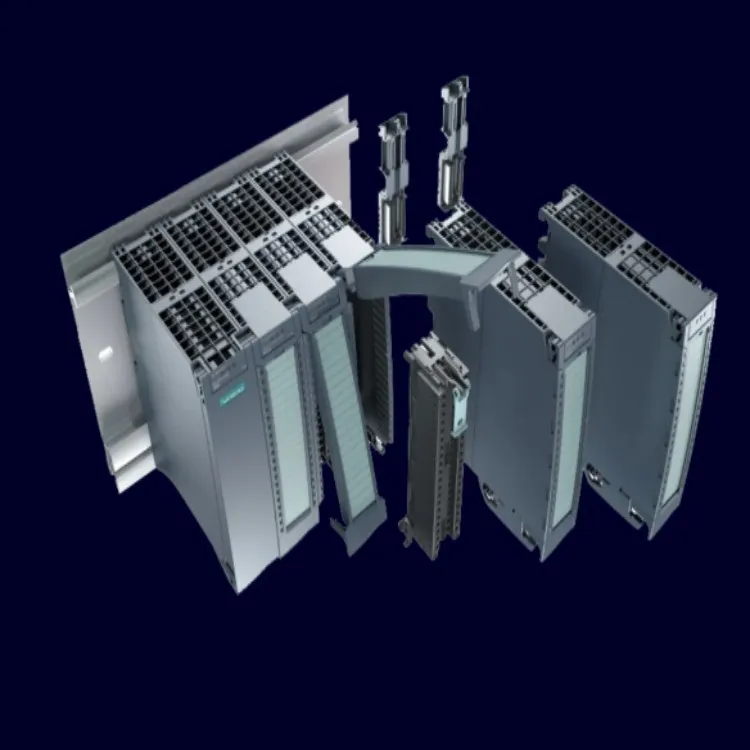
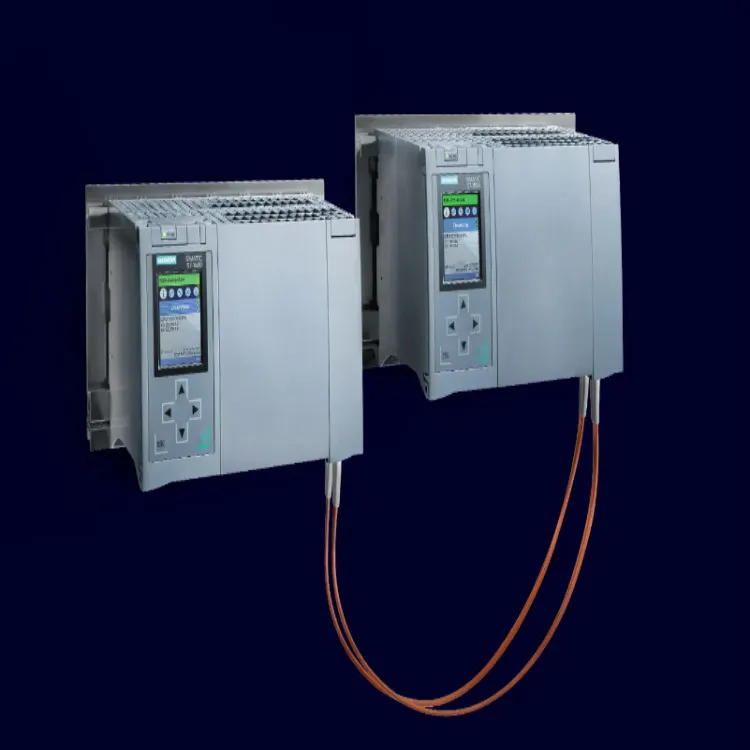
Siemens offers several popular PLC models, such as the Siemens PLC S7 200, Siemens PLC S7 1200, and Siemens PLC S7 1500. Each of these PLCs can support Modbus communication, but the implementation might vary a bit.
Using Modbus in Siemens PLC S7 200
The S7 200 is a classic PLC from Siemens. To use Modbus RTU in an S7 200, you'll need to use the Modbus Master or Slave library functions.
Step 1: Configure the Hardware
First, make sure your S7 200 is properly connected to the Modbus network. If you're using Modbus RTU, you'll need to use an RS - 485 adapter. Connect the adapter to the appropriate serial port on the S7 200.
Step 2: Load the Modbus Library
In your programming software (like STEP 7 - Micro/WIN), you need to load the Modbus library. This library contains the functions you'll use to communicate with other Modbus devices.
Step 3: Program the Modbus Master or Slave
If your S7 200 is going to be the Modbus master, you'll use functions to read and write data from slave devices. For example, you can use the MBUS_MSG function to send a read or write request to a slave. If it's a slave, you'll use functions to respond to requests from the master.
// Example of using MBUS_MSG for a read request in S7 200
MBUS_MSG(
    EN := TRUE,
    First := TRUE,
    Mode := 0, // Read coils
    Slave := 1, // Slave address
    Address := 0, // Starting address on the slave
    Count := 10, // Number of coils to read
    Done => M0.0,
    Error => M0.1
);
Using Modbus in Siemens PLC S7 1200
The S7 1200 is a more modern and powerful PLC. It also has built - in support for Modbus communication.
Step 1: Hardware Configuration
For Modbus TCP, connect your S7 1200 to the Ethernet network. Make sure it has a valid IP address. For Modbus RTU, use an appropriate RS - 485 module and connect it to the PLC.
Step 2: Configure the Modbus Communication in TIA Portal
Open TIA Portal, your programming software for the S7 1200. In the device configuration, you can configure the Modbus communication. You'll need to set parameters like the communication type (TCP or RTU), the IP address (for TCP), and the slave address (for both TCP and RTU).
Step 3: Program the Modbus Functions
You can use the Modbus Master or Slave blocks in TIA Portal. For example, the "MB_COMM_LOAD" block is used to load the Modbus communication configuration, and the "MB_MASTER" or "MB_SLAVE" blocks are used to perform the actual communication.
// Example of using MB_MASTER in S7 1200
MB_MASTER(
    REQ := TRUE,
    Mode := 0, // Read holding registers
    ADDR := 1, // Slave address
    START := 0, // Starting address on the slave
    N := 10, // Number of registers to read
    DB_NO := 1, // Data block number to store the read data
    BUSY => M0.0,
    ERROR => M0.1,
    DONE => M0.2
);
Using Modbus in Siemens PLC S7 1500
The S7 1500 is the high - end PLC in Siemens' lineup. Similar to the S7 1200, it offers excellent support for Modbus.
Step 1: Hardware Setup
Connect the S7 1500 to the appropriate network (Ethernet for Modbus TCP or RS - 485 for Modbus RTU). Ensure proper grounding and cabling to avoid communication issues.
Step 2: Configuration in TIA Portal
In TIA Portal, configure the Modbus communication for the S7 1500. You can define the communication interface, set the IP address (for TCP), and configure other parameters like the baud rate (for RTU).
Step 3: Programming the Modbus Blocks
Use the Modbus Master and Slave function blocks provided in TIA Portal. These blocks make it easy to send and receive data over the Modbus network.
// Example of using MB_MASTER in S7 1500
MB_MASTER(
    REQ := TRUE,
    Mode := 3, // Read input registers
    ADDR := 2, // Slave address
    START := 10, // Starting address on the slave
    N := 5, // Number of registers to read
    DB_NO := 2, // Data block number to store the read data
    BUSY => M1.0,
    ERROR => M1.1,
    DONE => M1.2
);
Troubleshooting Modbus Communication
Sometimes, things might not go as planned. Here are some common issues and how to fix them:
Communication Errors
If you're getting communication errors, check the hardware connections first. Make sure all cables are properly plugged in and there are no loose connections. For Modbus RTU, check the baud rate, parity, and stop bits on both the master and slave devices. They should match.
Incorrect Data Reading
If the data you're reading is incorrect, it could be due to wrong register addresses or data types. Double - check the register mapping on the slave device and make sure you're using the correct data types in your PLC program.
Why Choose Us as Your Siemens PLC Supplier?
As a Siemens PLC supplier, we've got a lot to offer. We have a wide range of Siemens PLC models in stock, so you can get the right one for your project quickly. Our team of experts can provide you with technical support on using Modbus or any other communication protocols in your Siemens PLCs. Whether you're a small - scale automation project or a large industrial application, we've got the solutions for you.
If you're interested in purchasing Siemens PLCs or need more information on using Modbus communication, don't hesitate to get in touch. We're here to help you make the most out of your automation projects.
References
- Siemens STEP 7 - Micro/WIN User Manual
- Siemens TIA Portal User Manual
- Modbus Protocol Specification