

Hey there! As a supplier of Handheld HMIs, I've seen my fair share of issues that customers run into. Handheld HMIs are super useful in a bunch of industries, but like any tech, they've got their own set of common problems. Let's dig into what those are and how we can deal with them.
1. Battery Life Woes
One of the most frequent complaints we hear is about battery life. Handheld HMIs are supposed to be portable, right? But if the battery conks out quickly, it defeats the whole purpose. There are a few reasons why this might happen.
First off, the display is a major power - hog. High - resolution screens and backlighting eat up a lot of juice. Some users might also be running multiple apps simultaneously, which puts extra strain on the battery. And let's not forget about the age of the battery. Over time, rechargeable batteries lose their ability to hold a charge.
To tackle this, we recommend using power - saving modes whenever possible. Dim the screen, close unnecessary apps, and turn off features like Wi - Fi and Bluetooth when you're not using them. Also, make sure to replace the battery every couple of years to keep it in top shape.
2. Screen Damage
The screen is the heart of a Handheld HMI, and it's also the most vulnerable part. Drops, scratches, and exposure to harsh environments can all cause damage. In industrial settings, where Handheld HMIs are often used, there's a higher risk of the device getting knocked around.
Scratches can make the screen hard to read, and in severe cases, a cracked screen can render the device useless. To prevent this, we suggest using a screen protector. It's a cheap and easy way to add an extra layer of protection. Also, invest in a good quality case that can absorb shocks in case of a drop.
3. Connectivity Issues
Connectivity is key for Handheld HMIs, especially when they need to communicate with other devices or systems. Wi - Fi, Bluetooth, and Ethernet are common ways for these devices to connect, but problems can arise.
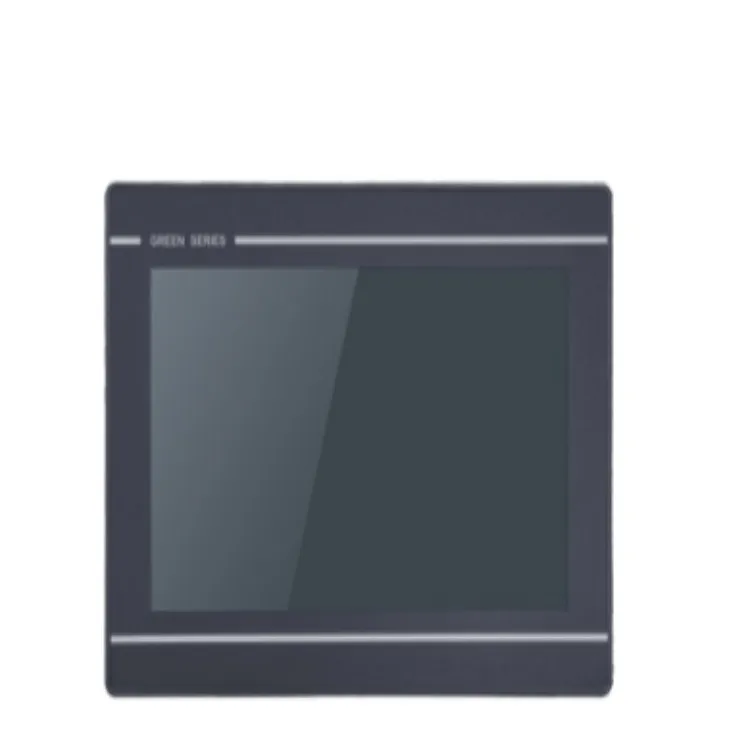
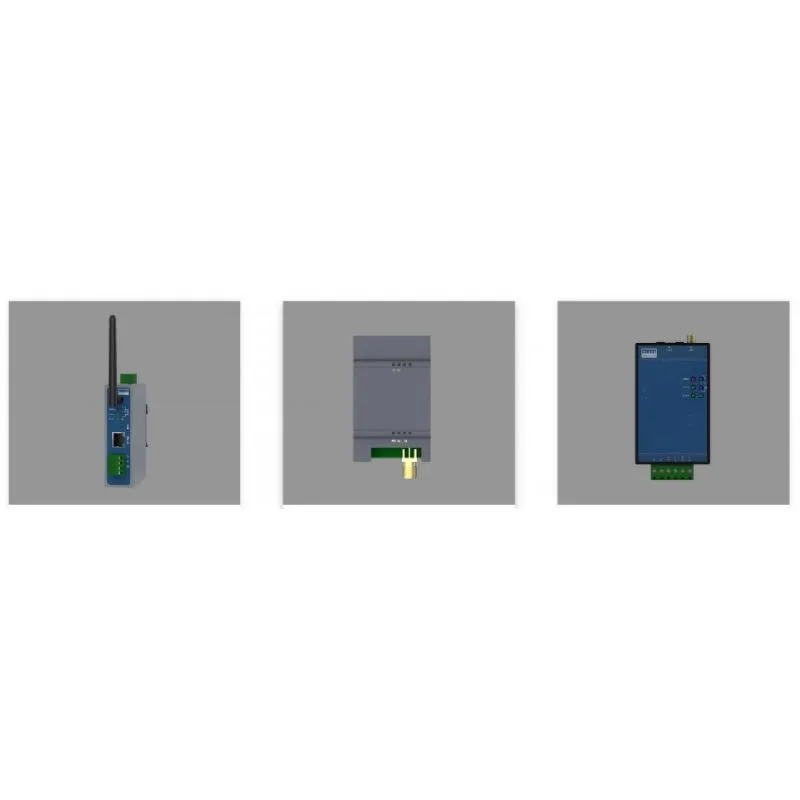
Weak Wi - Fi signals can cause slow data transfer or even disconnects. Interference from other wireless devices in the area can also mess things up. Bluetooth connections might drop if the devices are too far apart or if there are obstacles in between. And with Ethernet, loose cables or faulty network ports can lead to connectivity problems.
To fix these issues, check your network settings. Make sure you're connected to the right Wi - Fi network or that your Ethernet cable is properly plugged in. If you're having Bluetooth problems, try restarting both devices and re - pairing them.
4. Software Glitches
Software is what makes Handheld HMIs tick, but it can also be a source of headaches. Bugs in the operating system or in the applications installed on the device can cause crashes, freezes, or incorrect data display.
Sometimes, these glitches can be fixed with a simple software update. Developers are constantly working to improve the software, so keeping your device up - to - date is a good idea. However, if the problem persists, you might need to contact the software vendor for further assistance.
5. Compatibility Problems
Handheld HMIs often need to work with other hardware and software in an industrial environment. Compatibility issues can arise when trying to connect to different types of equipment or when using new software versions.
For example, an older Handheld HMI might not be compatible with the latest version of a control system. Or a new software application might not work properly on a particular model of Handheld HMI. To avoid these problems, make sure to check the compatibility requirements before making a purchase. If you're upgrading software or hardware, test it thoroughly in a non - production environment first.
6. Durability in Harsh Environments
Industrial settings can be tough on Handheld HMIs. Extreme temperatures, humidity, dust, and vibrations can all take a toll on the device. High temperatures can cause the battery to overheat and the screen to become unresponsive. Low temperatures can make the battery lose its charge faster.
Humidity can lead to corrosion of internal components, and dust can clog up the ventilation holes, causing the device to overheat. Vibrations from machinery can loosen internal parts over time.
To address these issues, look for Handheld HMIs that are designed for harsh environments. Some models are rated for specific temperature ranges, humidity levels, and dust resistance. You can also find devices with shock - absorbing features to withstand vibrations.
7. User Interface Complexity
A complicated user interface can be a major problem for users. If it's hard to navigate through the menus and access the functions they need, it can slow down work and lead to errors.
Some Handheld HMIs come with a lot of features, which is great, but if they're not organized in an intuitive way, it can be overwhelming. To solve this, look for devices with a simple and user - friendly interface. Some manufacturers also offer customization options, so you can tailor the interface to your specific needs.
8. Security Concerns
In today's digital age, security is a big deal. Handheld HMIs that are connected to networks can be vulnerable to cyberattacks. Hackers could gain access to sensitive data or take control of the device.
Weak passwords, unpatched software, and unsecured networks are all potential security risks. To protect your Handheld HMIs, use strong passwords and change them regularly. Keep your software up - to - date with the latest security patches. And make sure to use secure networks for data transfer.
Solutions and Our Offerings
At our company, we understand these common problems and have solutions to offer. We provide high - quality Handheld HMIs with long - lasting batteries, durable screens, and reliable connectivity. Our devices are designed to be user - friendly and can be customized to fit your specific requirements.
We also offer a range of accessories to enhance the performance and durability of our Handheld HMIs. For example, we have Outdoor Touch Screen options that are designed to work in bright sunlight and harsh weather conditions. Our IoT Gateway solutions can help you connect your Handheld HMIs to the Internet of Things, enabling seamless data transfer and remote monitoring. And if you're in the HVAC industry, our HVAC HMI devices are specifically tailored to meet your needs.
If you're facing any of these common problems with your current Handheld HMIs or if you're looking to purchase new ones, we'd love to have a chat with you. Our team of experts can help you find the right solution for your business. Contact us today to start the conversation and see how we can improve your operations with our Handheld HMIs.
References
- Industrial Automation Handbook
- User Manuals of Handheld HMIs
- Research Papers on Embedded Systems and Human - Machine Interfaces