
Hey there! As a Siemens PLC supplier, I've dealt with these amazing pieces of tech day in and day out. Today, I wanna chat about the different types of interrupts in Siemens PLCs. Interrupts are super important in PLC systems as they allow the PLC to handle urgent tasks outside of its normal program flow.
1. Hardware Interrupts
Let's start with hardware interrupts. These are triggered by external hardware events. In Siemens PLCs, hardware interrupts can be extremely useful when you need to respond immediately to something happening in the real - world environment.
For example, in a manufacturing setup, if a sensor detects an object passing by on a conveyor belt, it can send a hardware interrupt signal to the PLC. The PLC then stops whatever it's currently doing and jumps to a specific interrupt service routine (ISR) to handle this event.
In the Siemens PLC S7 1500, hardware interrupts are highly flexible. You can configure them to trigger on rising or falling edges of a digital input signal. This means you can set it up so that the interrupt fires when the input signal goes from low to high (rising edge) or from high to low (falling edge). This is really handy in applications where you need to detect the start or end of an event precisely.
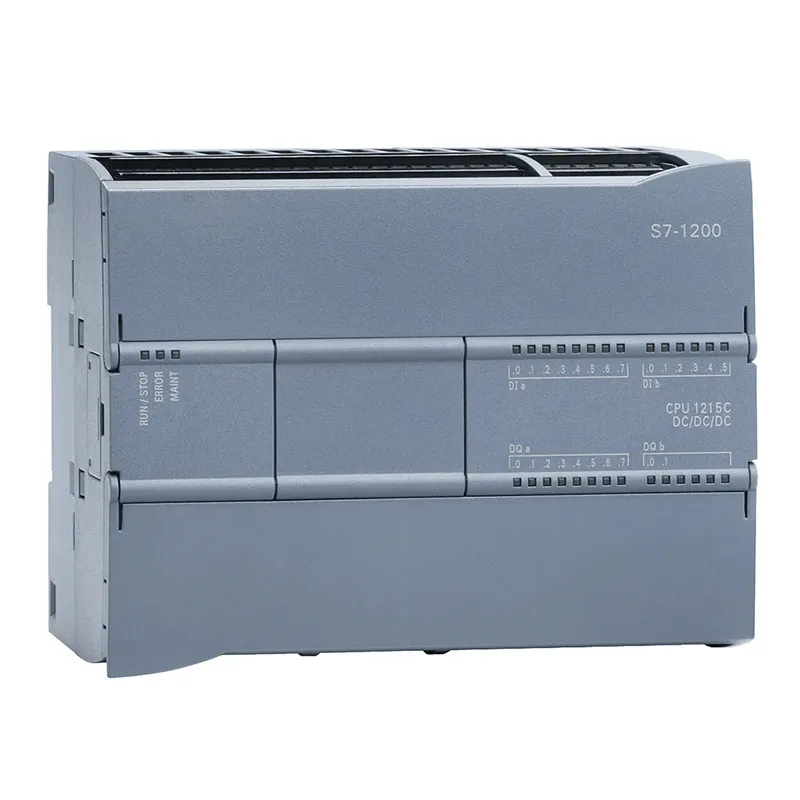
The Siemens PLC S7 1200 also supports hardware interrupts. It has a simple yet effective way of handling these. Once the interrupt is triggered, the PLC quickly saves its current state, jumps to the ISR, and after the ISR is executed, it resumes its normal operation. This seamless transition ensures that the overall system performance isn't severely affected.
2. Time - based Interrupts
Next up are time - based interrupts. These are, as the name suggests, triggered based on time intervals. Time - based interrupts are great for tasks that need to be performed at regular intervals.
In a Siemens PLC, you can set up time - based interrupts to execute a specific piece of code every so often. For instance, you might want to take a temperature reading every 5 minutes in a climate - controlled environment. You can configure a time - based interrupt to call a program that reads the temperature sensor and stores the data.
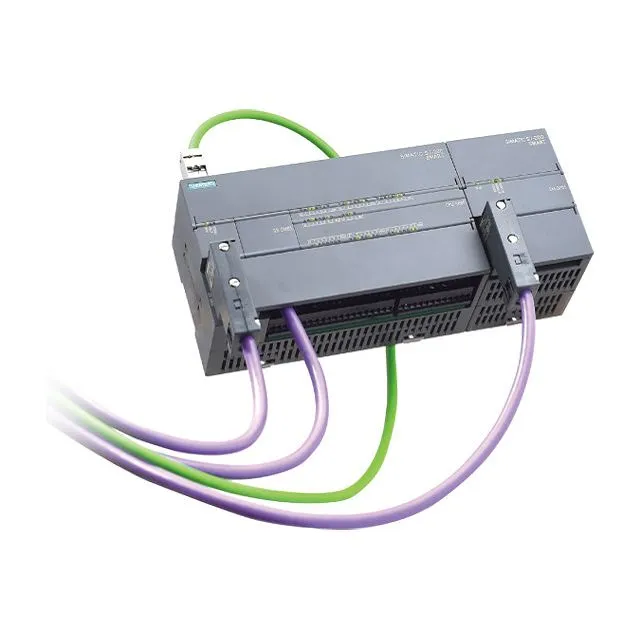
The Siemens PLC S7 200 offers time - based interrupt functionality. You can define the time interval in milliseconds, seconds, or minutes. This gives you a lot of flexibility in terms of how often you want the interrupt to fire.
In the S7 1500 and S7 1200 series, time - based interrupts are even more advanced. You can have multiple time - based interrupts running simultaneously, each with its own unique time interval and ISR. This allows for complex scheduling of tasks within the PLC system.
3. Software Interrupts
Software interrupts are initiated by the PLC's program itself. They're useful when you want to force the PLC to jump to a specific ISR under certain conditions within the program.
For example, if a certain calculation in the main program results in an error condition, you can use a software interrupt to handle this error gracefully. The main program can issue a software interrupt command, and the PLC will then execute the appropriate ISR to deal with the error.
In Siemens PLCs, software interrupts are often used for debugging purposes as well. You can insert software interrupt commands at strategic points in your program to pause the execution and check the values of variables.
The S7 series PLCs make it easy to implement software interrupts. You just need to write a simple command in your ladder logic or structured text program to trigger the interrupt.
4. Communication Interrupts
Communication interrupts are related to the PLC's communication interfaces. When the PLC is communicating with other devices, such as a human - machine interface (HMI) or a remote server, communication interrupts can be triggered.
For example, if the PLC receives a new command from an HMI, a communication interrupt can be fired. The PLC will then stop its current operation and handle the incoming command. This ensures that the communication between the PLC and other devices is smooth and efficient.
In the S7 1500 and S7 1200, communication interrupts are well - integrated with the overall communication protocols. They can handle different types of communication events, such as the receipt of a new message, the completion of a data transfer, or an error in the communication link.
Why Understanding Interrupts Matters
Understanding the different types of interrupts in Siemens PLCs is crucial for several reasons. Firstly, it allows you to design more efficient and responsive control systems. By using interrupts effectively, you can ensure that your PLC can handle urgent tasks in a timely manner without disrupting the normal operation of the system.
Secondly, it helps in troubleshooting. If you encounter issues in your PLC system, knowing how interrupts work can help you identify whether an interrupt is causing the problem or if it can be used to solve the problem.
Finally, it gives you more flexibility in programming. You can use interrupts to implement complex control strategies that would be difficult or impossible to achieve without them.
Let's Chat!
If you're in the market for Siemens PLCs or have any questions about interrupts or any other aspect of these amazing devices, I'd love to hear from you. Whether you're a small - scale manufacturer looking to automate a single process or a large - scale industrial operation in need of a comprehensive control system, I can help you find the right Siemens PLC solution for your needs. Reach out to me, and let's start a conversation about how we can take your automation to the next level.
References
- Siemens PLC User Manuals
- Industrial Automation Journals
- Online Siemens PLC Communities