
As a supplier of Siemens HMI, I often receive inquiries from customers about the possibility of running multiple applications on Siemens HMI devices. This is a crucial question, especially in industrial settings where efficiency and functionality are paramount. In this blog post, I'll delve into the details of whether it's feasible to run multiple applications on Siemens HMI, exploring the technical aspects, benefits, limitations, and best practices.
Technical Feasibility
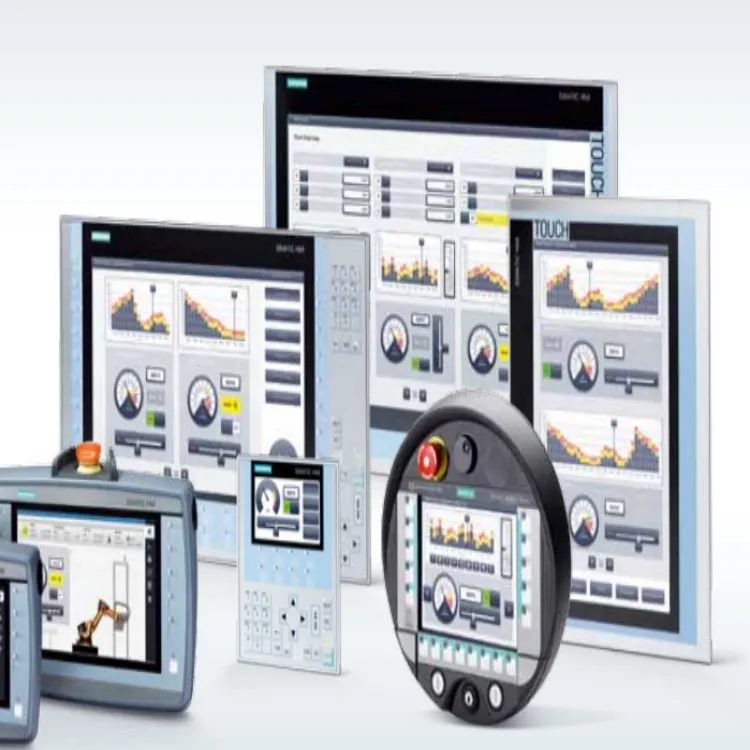
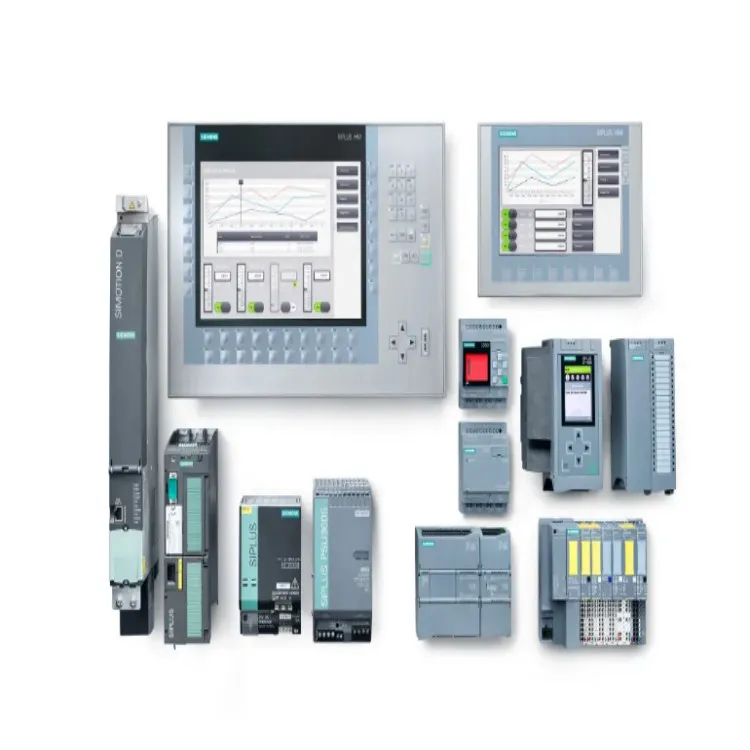
Siemens offers a wide range of HMI devices, including the Siemens Basic HMI and Siemens SIMATIC HMI. These devices are designed with varying levels of processing power, memory, and operating systems, which directly influence their ability to run multiple applications.
Processing Power
Modern Siemens HMI devices are equipped with powerful processors that can handle multiple tasks simultaneously. For example, the high - end models in the SIMATIC HMI series come with multi - core processors that provide sufficient computing resources to run multiple applications without significant performance degradation. However, the basic HMI models may have more limited processing capabilities, which could restrict the number and complexity of applications they can run.
Memory
Memory is another critical factor. Running multiple applications requires sufficient RAM to store the application code, data, and intermediate results. Siemens HMI devices with larger memory capacities are better suited for running multiple applications. When considering running multiple applications, it's essential to check the memory requirements of each application and ensure that the total memory usage does not exceed the device's capacity.
Operating System
The operating system on Siemens HMI devices also plays a vital role. Some operating systems are more efficient at multitasking than others. For instance, devices running a real - time operating system (RTOS) can manage multiple applications more effectively, ensuring that each application gets the necessary resources in a timely manner.
Benefits of Running Multiple Applications
Increased Efficiency
Running multiple applications on a single Siemens HMI device can significantly increase operational efficiency. Instead of having multiple HMI devices for different functions, a single device can handle all tasks. This reduces the need for additional hardware, saves space, and simplifies the overall system architecture.
Enhanced Functionality
Multiple applications can provide enhanced functionality. For example, one application can be used for monitoring process variables, while another can be dedicated to generating reports or performing data analysis. This allows operators to have a comprehensive view of the industrial process and make more informed decisions.
Cost Savings
By using a single HMI device to run multiple applications, companies can save on hardware costs, installation costs, and maintenance costs. There is no need to purchase and maintain multiple HMI devices, which can result in significant cost savings in the long run.
Limitations and Challenges
Performance Degradation
If the HMI device is not powerful enough or if the applications are too resource - intensive, running multiple applications can lead to performance degradation. This may manifest as slow response times, freezing of the interface, or even system crashes. It's crucial to carefully evaluate the hardware capabilities and the resource requirements of the applications before attempting to run multiple applications.
Compatibility Issues
Not all applications are compatible with each other or with the Siemens HMI device. Applications may have different software requirements, communication protocols, or data formats. Ensuring compatibility between applications and the HMI device is essential to avoid errors and malfunctions.
Security Risks
Running multiple applications on a single device increases the security risk. Each application may have its own security vulnerabilities, and a single compromised application could potentially expose the entire system to security threats. It's necessary to implement proper security measures, such as firewalls, access controls, and regular software updates.
Best Practices
Application Selection
When choosing applications to run on a Siemens HMI device, it's important to select applications that are lightweight and have minimal resource requirements. Avoid running resource - intensive applications simultaneously unless the device has sufficient processing power and memory.
Resource Management
Proper resource management is crucial. Monitor the resource usage of each application regularly and adjust the settings if necessary. This may involve closing unnecessary applications, optimizing the code of the applications, or upgrading the hardware if the device is consistently running out of resources.
Testing
Before deploying multiple applications on a production - level Siemens HMI device, conduct thorough testing in a test environment. This will help identify any compatibility issues, performance problems, or security risks early on and allow for appropriate adjustments.
Conclusion
In conclusion, it is possible to run multiple applications on Siemens HMI devices, but it requires careful consideration of the device's technical capabilities, the resource requirements of the applications, and the potential challenges. By following the best practices outlined above, companies can reap the benefits of increased efficiency, enhanced functionality, and cost savings.
If you are interested in exploring the possibility of running multiple applications on Siemens HMI devices for your industrial processes, I encourage you to contact us for a detailed discussion. Our team of experts can provide you with tailored solutions based on your specific requirements.
References
- Siemens HMI product documentation
- Industrial automation research papers on HMI multitasking