
As a Siemens HMI supplier, I often encounter questions from customers about the connectivity of Siemens HMI to databases. This is a crucial topic in industrial automation, as it enables data storage, analysis, and sharing, which are essential for efficient operation and decision - making. In this blog, I will explore whether Siemens HMI can be connected to a database, the methods of connection, and the benefits of such a connection.
1. Compatibility of Siemens HMI with Databases
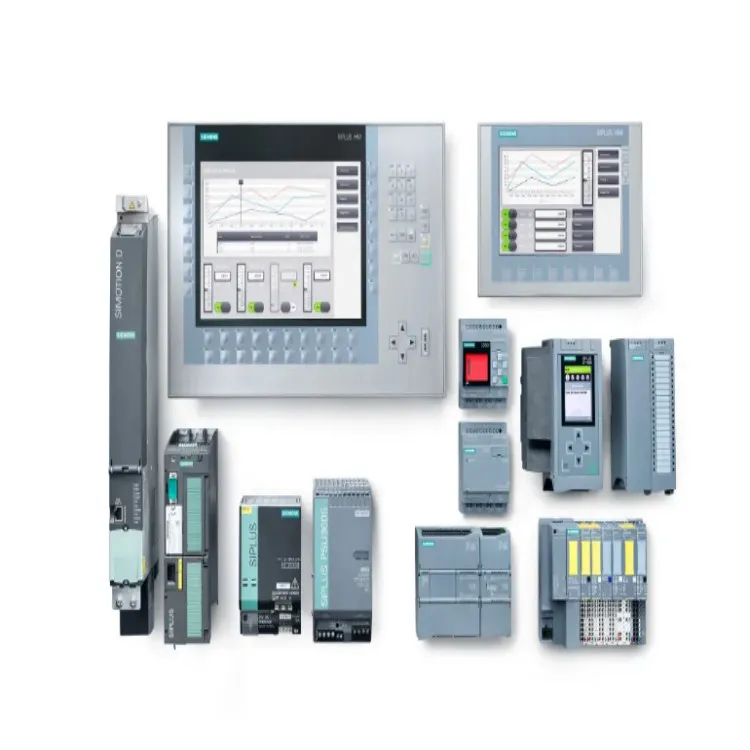
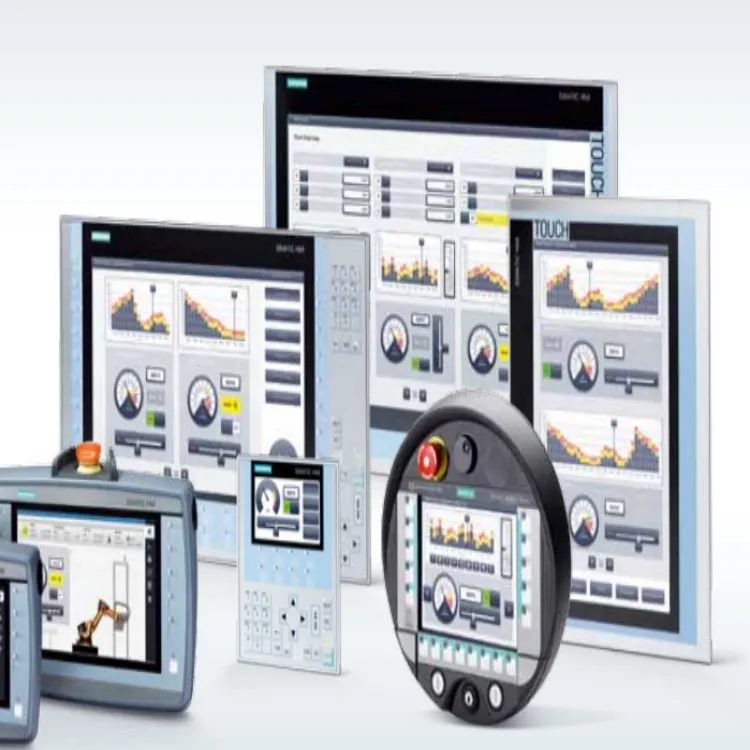
Siemens offers a wide range of HMI products, including the Siemens SIMATIC HMI and Siemens Basic HMI. These HMIs are designed to be highly compatible with different types of databases.
Most modern Siemens HMI devices support standard communication protocols that are commonly used for database connectivity. For example, they can communicate with databases using protocols like ODBC (Open Database Connectivity) and OPC (OLE for Process Control). ODBC is a widely used standard for database access that allows applications to connect to different types of databases, such as Microsoft SQL Server, MySQL, and Oracle. OPC, on the other hand, is a protocol specifically designed for industrial automation, which can also be used to transfer data between an HMI and a database.
2. Methods of Connecting Siemens HMI to a Database
2.1 Using ODBC
The ODBC connection method is relatively straightforward. First, you need to configure the ODBC data source on the PC or server where the database is located. This involves specifying the database driver, server name, database name, and authentication information. Once the ODBC data source is configured, you can use the HMI programming software to establish a connection to the database through the ODBC interface.
In the HMI programming software, you can define variables that correspond to the data fields in the database. These variables can be used to read data from the database or write data to it. For example, you can read historical production data from the database and display it on the HMI screen, or you can write real - time process data from the HMI to the database for storage.
2.2 Using OPC
OPC can be used to connect Siemens HMI to a database in a more industrial - specific way. An OPC server acts as an intermediary between the HMI and the database. The HMI communicates with the OPC server, which then transfers the data to and from the database.
To use OPC for database connectivity, you need to have an OPC server that supports database access. Some OPC servers come with built - in database connectivity features, while others may require additional plugins or configuration. Once the OPC server is configured to communicate with the database, you can configure the HMI to communicate with the OPC server.
In the HMI programming software, you can define OPC tags that correspond to the data items in the OPC server. These tags can be used to transfer data between the HMI and the database. For example, you can use OPC tags to read production orders from the database and send them to the HMI for operator display, or you can send real - time machine status data from the HMI to the database through the OPC server.
3. Benefits of Connecting Siemens HMI to a Database
3.1 Data Storage and Archiving
One of the primary benefits of connecting a Siemens HMI to a database is data storage and archiving. In an industrial environment, a large amount of data is generated every day, such as production data, machine status data, and operator input data. By storing this data in a database, you can ensure its long - term availability and integrity.
The database can be used to store historical data for analysis and reporting. For example, you can analyze production trends over time, identify bottlenecks in the production process, and generate reports for management. This historical data can also be used for compliance purposes, as it provides a detailed record of the production process.
3.2 Data Analysis and Decision - Making
Connecting the HMI to a database enables advanced data analysis. You can use database management tools and data analytics software to analyze the data stored in the database. For example, you can perform statistical analysis on production data to identify patterns and correlations. This analysis can help you make informed decisions, such as optimizing production schedules, improving product quality, and reducing costs.
3.3 Remote Monitoring and Control
With a database connection, you can enable remote monitoring and control of the industrial process. The data stored in the database can be accessed remotely by authorized personnel, who can monitor the process status, view historical data, and even send control commands to the HMI. This is particularly useful for industries with multiple production sites or for companies that want to enable remote maintenance and support.
4. Challenges and Considerations
4.1 Security
When connecting a Siemens HMI to a database, security is a major concern. The database contains sensitive industrial data, such as production recipes, machine parameters, and customer information. Therefore, it is essential to implement proper security measures to protect the database from unauthorized access.
This includes using strong authentication mechanisms, encrypting data in transit and at rest, and implementing access control policies. The HMI and the database should also be protected from network threats, such as malware and hackers.
4.2 Performance
Another challenge is ensuring the performance of the database connection. In an industrial environment, the HMI may need to transfer a large amount of data in real - time. If the database connection is slow or unreliable, it can affect the performance of the HMI and the overall industrial process.
To ensure good performance, you need to optimize the database configuration, such as using appropriate indexing and partitioning techniques. You also need to ensure that the network infrastructure between the HMI and the database is reliable and has sufficient bandwidth.
5. Conclusion
In conclusion, Siemens HMI can indeed be connected to a database, and there are multiple methods available to achieve this. The connection offers numerous benefits, including data storage, analysis, and remote monitoring. However, it also comes with challenges, such as security and performance issues, which need to be carefully addressed.
If you are considering connecting your Siemens HMI to a database or have any questions about our Siemens HMI products, please feel free to contact us for more information and to discuss your specific requirements. Our team of experts is ready to assist you in finding the best solution for your industrial automation needs.
References
- Siemens HMI product documentation
- Database management system documentation (e.g., Microsoft SQL Server, MySQL, Oracle)
- OPC Foundation specifications