
As a Siemens PLC supplier, effective management of project files in Siemens PLC programming software is crucial for ensuring seamless operations, efficient project execution, and long - term maintainability. In this blog, I will share some key strategies and best practices that I've learned through years of experience in the field.
Understanding the Basics of Siemens PLC Programming Software
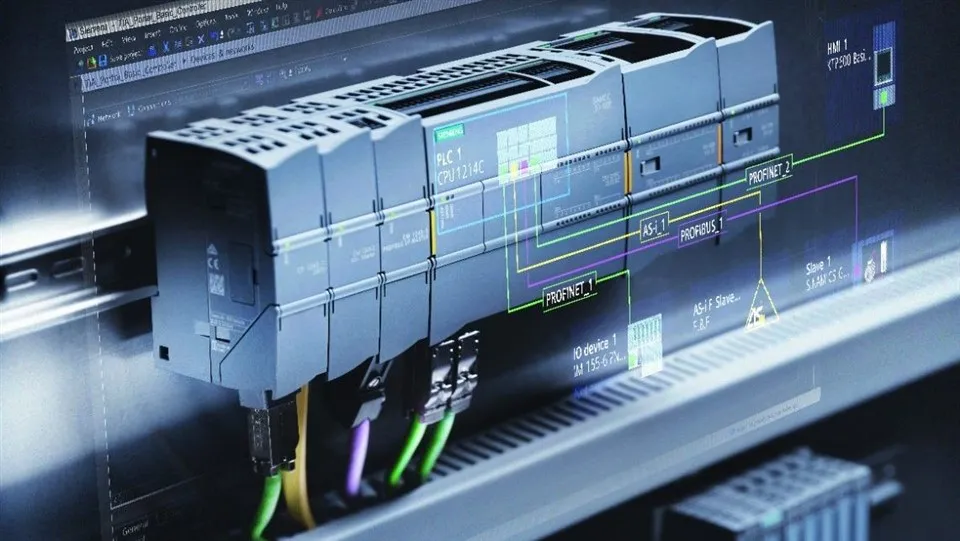
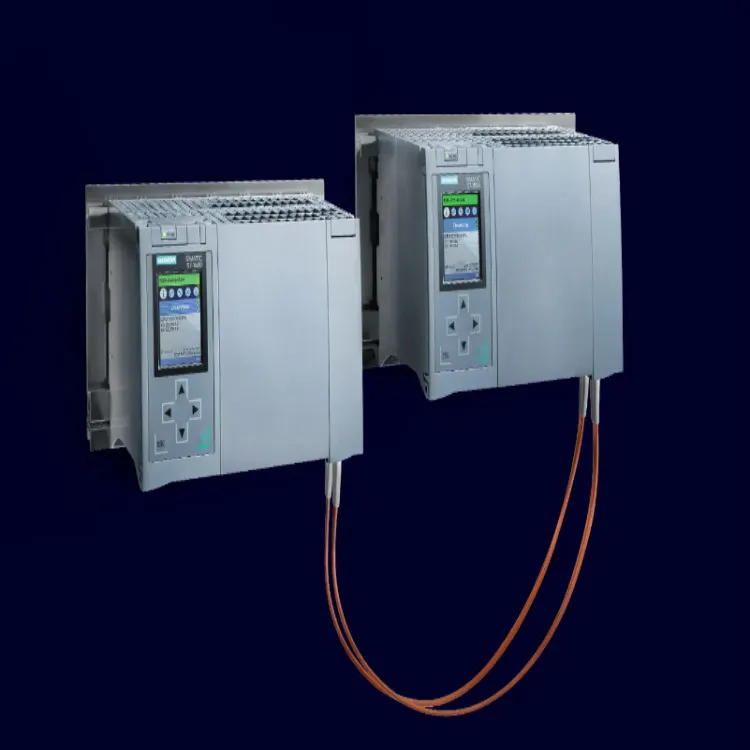
Siemens offers a range of powerful programming software, such as TIA Portal, which is used for programming various Siemens PLC models, including the Siemens PLC S7 1500, Siemens PLC S7 200, and Siemens PLC S7 1200. These software platforms allow engineers to create, edit, and manage PLC programs, as well as configure hardware and communicate with the PLC.
Organizing Project Files at the Initial Stage
- Folder Structure: When starting a new project, it is essential to establish a well - organized folder structure. Create a main project folder with sub - folders for different aspects of the project. For example, you can have sub - folders for source code, documentation, configuration files, and test results. This hierarchical structure makes it easier to locate specific files and keeps the project organized.
- File Naming Conventions: Adopt a consistent file - naming convention. Include information such as the project name, date, version number, and a brief description of the file's content. For instance, a file named "ProjectX_20240115_V1.0_MainProgram" clearly indicates the project, the date of creation, the version, and the nature of the file.
Version Control
- Manual Versioning: In smaller projects or when starting out, manual versioning can be a simple yet effective way to manage different versions of project files. Keep a record of changes made to each file, and create new versions by appending the version number to the file name. For example, if you make changes to the main program, save a new copy as "ProjectX_MainProgram_V2.0".
- Using Version Control Systems: For larger projects or teams, using a version control system like Git is highly recommended. Git allows you to track changes over time, collaborate with multiple developers, and easily revert to previous versions if needed. You can host your project on platforms like GitHub or GitLab, which provide additional features such as issue tracking and code review.
Backing Up Project Files
- Regular Backups: Schedule regular backups of your project files. This can be done manually by copying the project folder to an external hard drive or using automated backup tools. Cloud - based backup services are also a convenient option, as they provide off - site storage and protection against data loss due to hardware failures or disasters.
- Backup Testing: Periodically test your backups to ensure that they are working correctly. Try restoring a backup to a test environment to verify that all files are intact and the project can be successfully loaded and run.
Documentation
- In - Code Documentation: Add comments to your PLC code to explain the purpose of different sections, functions, and variables. This makes the code more understandable for other developers who may need to work on the project in the future. For example, in a ladder logic program, you can add comments above each rung to describe what it does.
- External Documentation: Create external documentation that includes information about the project's overall architecture, hardware configuration, communication protocols, and any special considerations. This documentation should be updated as the project progresses and should be stored in the project's documentation folder.
Collaboration and Sharing
- User Permissions: If multiple people are working on the project, set up appropriate user permissions in the programming software. This ensures that only authorized users can access and modify certain files or sections of the project. For example, a junior developer may have read - only access to critical configuration files, while a senior engineer has full write access.
- File Sharing: Use file - sharing platforms or network drives to share project files among team members. Make sure that all team members are aware of the latest versions of the files and know where to find them.
Managing Library Files
- Centralized Library: Create a centralized library for reusable code blocks, function blocks, and other components. This library can be shared across different projects, which saves time and effort in development. Keep the library well - organized and document the purpose and usage of each component.
- Library Versioning: Similar to project files, manage the versions of library files. When making changes to a library component, update the version number and document the changes. This ensures that all projects using the library are aware of the changes and can choose to update accordingly.
Hardware and Software Compatibility
- Documentation of Compatibility: Keep a record of the hardware and software versions used in the project. This is important because different versions of Siemens PLC programming software may have different features and may not be fully compatible with older or newer PLC hardware. For example, some functions in TIA Portal may only work with specific versions of the S7 - 1500 PLC.
- Testing Compatibility: Before upgrading the programming software or the PLC hardware, conduct thorough testing to ensure that the project files are still compatible. This may involve running test programs and checking for any errors or unexpected behavior.
Troubleshooting and Debugging
- Logging and Error Tracking: Implement logging mechanisms in your PLC programs to record important events and errors. This can help you quickly identify and troubleshoot issues. In the programming software, use the built - in diagnostic tools to view error messages and monitor the status of the PLC.
- Isolating Issues: When debugging, isolate the problem by narrowing down the scope of the issue. Check individual functions, variables, and sections of the code to identify the root cause. Keep a log of the debugging process, including the steps taken and the results obtained.
Integration with Other Systems
- Data Exchange: If your PLC project needs to integrate with other systems, such as SCADA or MES systems, manage the data exchange carefully. Document the communication protocols, data formats, and any interfaces used. Create separate files or sections in the project for handling this integration to keep the code modular and easy to maintain.
- Inter - System Compatibility: Test the integration thoroughly to ensure that the PLC project can communicate effectively with other systems. Check for data integrity, timing issues, and any compatibility problems.
Security Considerations
- Access Control: Protect your project files from unauthorized access. Use strong passwords for the programming software and any associated accounts. Limit access to sensitive files and functions to only authorized personnel.
- Software Updates: Keep the Siemens PLC programming software and the PLC firmware up - to - date. Software vendors often release security patches to address vulnerabilities, and updating your software helps protect your project from security threats.
Conclusion
Effective management of project files in Siemens PLC programming software is a multi - faceted process that requires careful planning, organization, and ongoing maintenance. By following the strategies outlined in this blog, you can ensure that your projects are well - managed, easy to maintain, and secure. Whether you are a solo developer or part of a large team, these best practices will help you streamline your workflow and improve the overall quality of your PLC projects.
If you are interested in purchasing Siemens PLC products or need further assistance with project file management, please feel free to contact us for procurement and in - depth discussions.
References
- Siemens Industry Online Support. (n.d.). TIA Portal Documentation.
- Professional Automation Engineer's Handbook. (2023). PLC Programming and Project Management.
- Git - official website. (n.d.). Documentation on version control.