
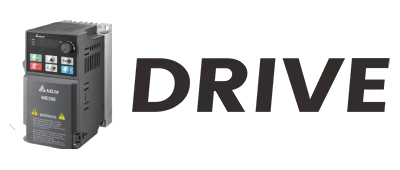
Hey there! I'm an industrial VFD (Variable Frequency Drive) supplier, and today I'm gonna share with you how to program an industrial VFD. It might seem a bit daunting at first, but once you get the hang of it, it's not as hard as you think.
Understanding the Basics of an Industrial VFD
Before we dive into programming, let's quickly go over what an industrial VFD is. A VFD is a type of motor controller that drives an electric motor by varying the frequency and voltage supplied to the motor. This allows for precise control of the motor's speed, torque, and direction. Industrial VFDs are used in a wide range of applications, from conveyor belts and pumps to fans and compressors.
Preparing for Programming
First things first, you need to gather the necessary tools and information. You'll need a programming cable to connect your computer or programming device to the VFD. Make sure the cable is compatible with your VFD model. You'll also need the programming software for your specific VFD. Most manufacturers provide this software for free on their websites.
Next, familiarize yourself with the VFD's manual. The manual contains all the information you need about the VFD's features, parameters, and programming procedures. It's like your roadmap to successful programming. Take some time to read through it and understand the different sections, especially the parameter list.
Connecting to the VFD
Once you have everything ready, it's time to connect to the VFD. Plug one end of the programming cable into your computer's USB or serial port and the other end into the VFD's programming port. Make sure the connections are secure to avoid any communication issues.
Power on the VFD and your computer. Open the programming software and follow the instructions to establish a connection with the VFD. The software will usually prompt you to select the communication settings, such as the baud rate and parity. Make sure these settings match the ones configured in the VFD.
Navigating the Programming Interface
After successfully connecting to the VFD, you'll be greeted with the programming interface. The interface may look different depending on the manufacturer and the software version, but most of them have similar features.
The main part of the interface is the parameter list. Parameters are the settings that control the VFD's operation. Each parameter has a specific function, such as setting the motor's rated power, frequency range, and acceleration/deceleration time. You can use the software to view, edit, and save these parameters.
Setting Up the Basic Parameters
Let's start by setting up the basic parameters. These parameters define the motor's characteristics and the VFD's operating mode.
- Motor Rated Parameters: Enter the motor's rated power, voltage, current, frequency, and speed. These values are usually printed on the motor's nameplate. Make sure to enter them accurately to ensure proper operation of the VFD and the motor.
- Frequency Range: Set the minimum and maximum frequency that the VFD can output. The minimum frequency determines the lowest speed at which the motor can run, while the maximum frequency determines the highest speed. Consider the application requirements when setting these values.
- Acceleration and Deceleration Time: The acceleration time is the time it takes for the motor to reach its maximum speed from a standstill, and the deceleration time is the time it takes for the motor to come to a stop from its maximum speed. Adjust these values based on the load's inertia and the application's requirements. A longer acceleration/deceleration time can reduce mechanical stress on the motor and the load, while a shorter time can improve the system's response time.
Configuring the Control Mode
The VFD offers different control modes, such as V/F control, vector control, and sensorless vector control. Each mode has its own advantages and is suitable for different applications.
- V/F Control: This is the simplest and most common control mode. In V/F control, the VFD maintains a constant ratio between the voltage and the frequency to control the motor's speed. It's suitable for applications where precise speed control is not required, such as fans and pumps.
- Vector Control: Vector control provides more precise control of the motor's torque and speed. It uses advanced algorithms to calculate and control the motor's magnetic field, allowing for better performance and efficiency. Vector control is suitable for applications that require high torque at low speeds, such as cranes and hoists.
- Sensorless Vector Control: Sensorless vector control is similar to vector control, but it doesn't require a speed sensor. Instead, it estimates the motor's speed and position based on the motor's electrical parameters. This makes it a cost-effective option for applications where a speed sensor is not necessary.
Select the control mode that best suits your application and configure the corresponding parameters.
Setting Up the Input and Output Signals
The VFD has various input and output signals that can be used to control its operation and monitor its status. These signals can be connected to external devices, such as switches, sensors, and relays.
- Input Signals: Input signals are used to start, stop, and control the VFD's operation. Common input signals include start/stop buttons, forward/reverse switches, and speed reference signals. Configure the input signals according to your application's requirements.
- Output Signals: Output signals are used to indicate the VFD's status, such as running, fault, and speed feedback. You can connect these signals to external devices, such as indicators and alarms, to monitor the VFD's operation.
Testing and Troubleshooting
After programming the VFD, it's time to test it. Start the VFD and observe the motor's operation. Check if the motor starts and stops smoothly, and if it runs at the desired speed. If you encounter any problems, such as the motor not starting or running erratically, refer to the VFD's manual or troubleshooting guide.
Some common troubleshooting steps include checking the wiring connections, verifying the parameter settings, and testing the input and output signals. If you're still unable to solve the problem, contact the VFD manufacturer's technical support for assistance.
Applications of Industrial VFDs
Industrial VFDs are used in a wide variety of applications. For example, in the solar power industry, Solar Pump Inverter is an important application of VFDs. It can adjust the pump's speed according to the solar power input, improving energy efficiency and reducing costs.
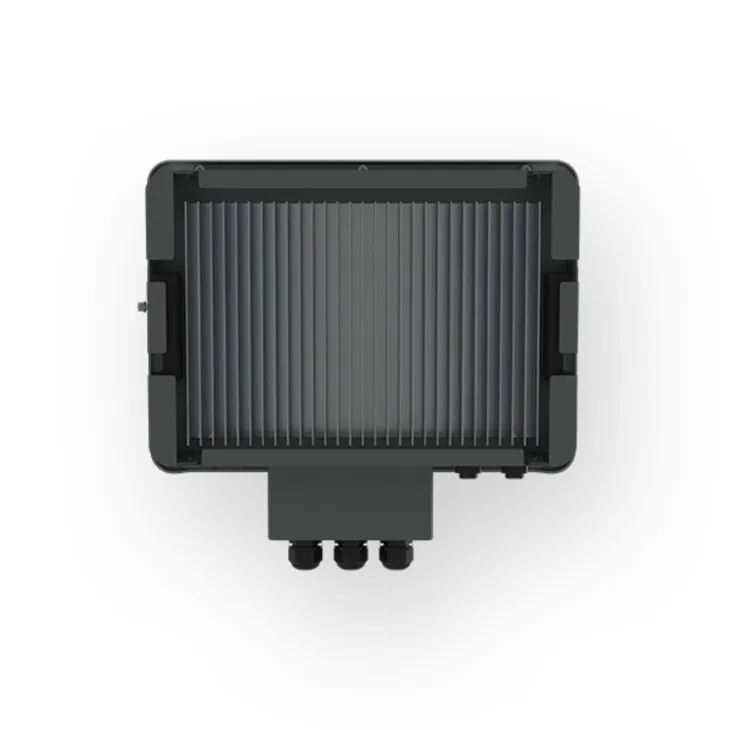
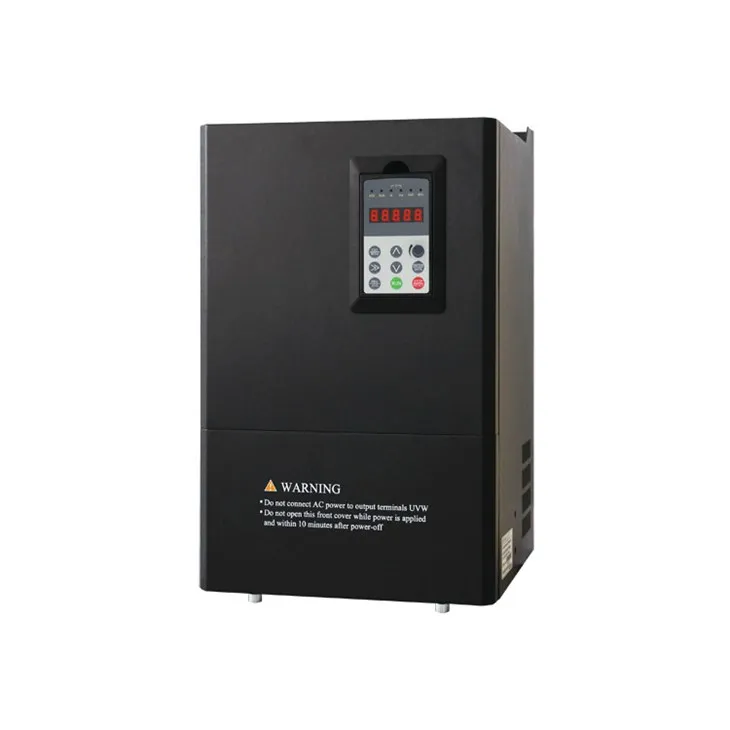
In the ozone generation field, Ozone Generator Power Supply powered by VFDs can precisely control the power output, ensuring stable ozone production.
And for water supply systems, Water Pump Inverter can adjust the pump's speed based on the water demand, maintaining a constant water pressure and saving energy.
Conclusion
Programming an industrial VFD might seem complicated at first, but with the right tools, knowledge, and a bit of practice, you can do it. Remember to always follow the manufacturer's instructions and safety guidelines when programming and operating the VFD.
If you're in the market for an industrial VFD or need more information about programming and applications, feel free to reach out to us. We're here to help you find the best solution for your needs. Let's start a conversation and see how we can work together to improve your industrial processes.
References
- Manufacturer's VFD User Manuals
- Industrial Automation Textbooks
- Online Resources on Variable Frequency Drives