
As a supplier of Siemens HMI, I'm often asked about the various animation effects available on these high - end human - machine interfaces. In this blog post, I'll delve into the rich array of animation effects that Siemens HMI offers, which play a crucial role in enhancing user experience, improving operational efficiency, and providing clear visual feedback in industrial settings.
1. Basic Animation Effects
1.1 Object Visibility and Invisibility
One of the most fundamental animation effects on Siemens HMI is the ability to control the visibility of objects. This can be used for a variety of purposes. For example, in a process control system, when a certain condition is met, such as a valve opening, an indicator icon can become visible. Conversely, when the valve closes, the icon can disappear. This simple yet effective animation provides real - time feedback to operators, allowing them to quickly assess the status of the system. The visibility and invisibility effects can be triggered by variables in the control system, such as temperature, pressure, or the position of a mechanical component. You can learn more about the basic functionality of Siemens Basic HMI.
1.2 Color Changes
Color changes are another commonly used animation effect. Different colors can represent different states of a process or device. For instance, a traffic - light - style color scheme can be employed for a machine's status. Green can indicate normal operation, yellow for a warning, and red for an error. By changing the color of an object based on the system's state, operators can easily identify potential issues at a glance. Color changes can be programmed to occur when specific thresholds are crossed, such as a temperature exceeding a safe limit or a pressure dropping below a critical value.
1.3 Blinking Effects
Blinking is a powerful way to draw the operator's attention to a particular event or condition. In a safety - critical system, a blinking alarm icon can be used to alert the operator when there is a serious malfunction. The blinking rate can be adjusted according to the severity of the situation. A fast - blinking icon can indicate a high - priority issue, while a slower blink might be used for a less urgent warning. This effect ensures that important information is not overlooked, even in a busy control room environment.
2. Movement - Based Animation Effects
2.1 Linear Movement
Linear movement animation can simulate the physical motion of objects in the real world. In a conveyor belt system, for example, an object on the HMI screen can be programmed to move linearly to represent the movement of products on the actual conveyor. This gives operators a clear visual representation of the flow of materials through the process. The speed of the linear movement can be synchronized with the actual speed of the conveyor, providing an accurate and intuitive view of the operation.
2.2 Rotational Movement
Rotational movement is useful for representing rotating machinery, such as motors, fans, or turbines. An icon on the HMI can be made to rotate at a speed proportional to the actual rotation speed of the physical device. This helps operators monitor the performance of rotating equipment and detect any abnormal behavior, such as a sudden change in speed or an uneven rotation. Rotational movement can also be combined with other effects, such as color changes, to provide more comprehensive information about the device's status.
2.3 Scaling Effects
Scaling effects can be used to represent changes in size or quantity. In a tank - level monitoring system, for example, the size of an icon representing the tank can be scaled to show the current level of liquid in the tank. As the liquid level rises, the icon grows, and as it falls, the icon shrinks. This provides a simple and intuitive way for operators to understand the current state of the tank without having to read numerical values constantly.
3. Advanced Animation Effects
3.1 Transparency Effects
Transparency effects add a layer of depth and visual interest to the HMI display. For example, in a complex process diagram, some objects can be made semi - transparent to allow other underlying objects to be partially visible. This can be useful for showing the relationship between different components in a system. Transparency can also be used in combination with other effects, such as color changes or movement, to create more dynamic and engaging visualizations.
3.2 3D Effects
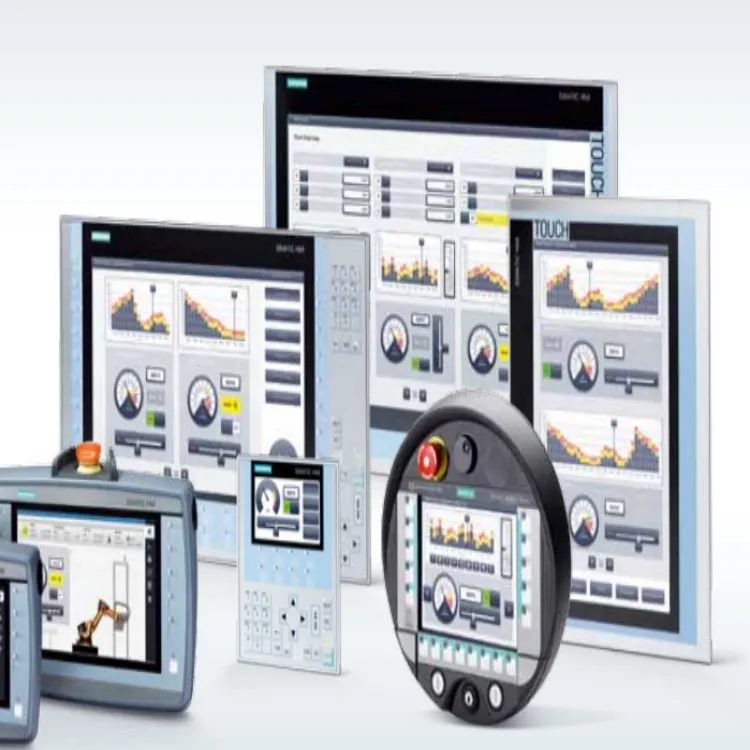
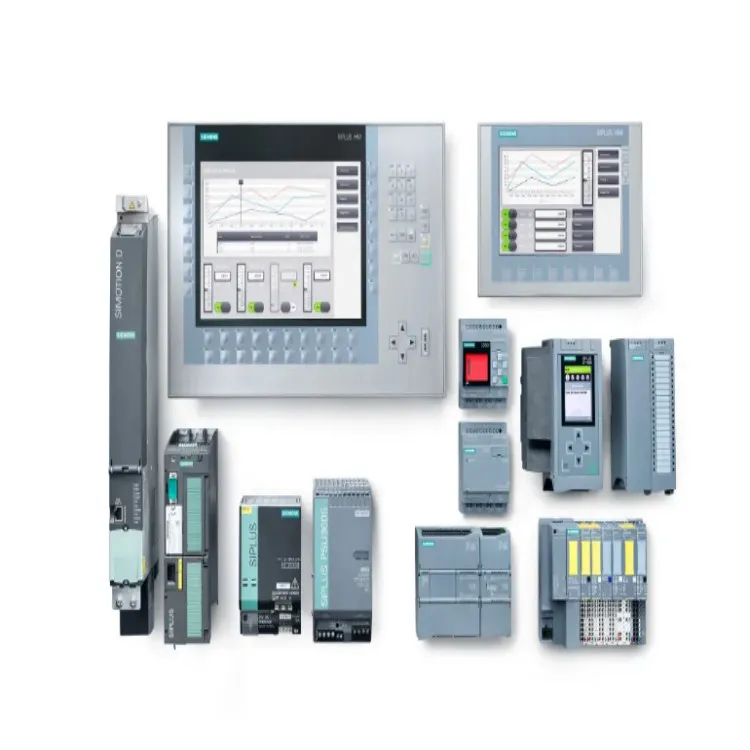
Siemens HMI also supports 3D effects, which can provide a more realistic and immersive view of the industrial process. In a factory layout visualization, 3D models of machines and equipment can be used to give operators a better understanding of the spatial relationships between different components. 3D effects can also enhance the clarity of complex processes by providing a more intuitive perspective. For example, a 3D representation of a multi - layer manufacturing process can make it easier for operators to understand how different layers are added and processed. You can explore more advanced features on Siemens SIMATIC HMI.
3.3 Animation Sequences
Animation sequences allow for the creation of complex, multi - step animations. For instance, in a production line simulation, an animation sequence can be programmed to show the entire production process from start to finish. Each step of the process can be represented by a different animation segment, with smooth transitions between them. This helps operators understand the flow of the production process and identify potential bottlenecks or inefficiencies.
4. Benefits of Using Animation Effects on Siemens HMI
4.1 Improved User Experience
The use of animation effects makes the HMI more engaging and user - friendly. Operators are more likely to interact with an interface that provides clear and visually appealing feedback. By using animations, the HMI can present information in a more intuitive way, reducing the learning curve for new operators and increasing overall user satisfaction.
4.2 Enhanced Operational Efficiency
Animation effects can significantly improve operational efficiency. Real - time visual feedback allows operators to make faster and more informed decisions. For example, by quickly identifying the source of a problem through a blinking alarm or a color - coded indicator, operators can take corrective action more promptly, minimizing downtime and improving productivity.
4.3 Better Safety
In industrial environments, safety is of utmost importance. Animation effects such as blinking alarms and color - coded status indicators help operators quickly identify safety - critical situations. This allows for timely intervention, reducing the risk of accidents and protecting both personnel and equipment.
5. Conclusion and Call to Action
In conclusion, the animation effects available on Siemens HMI offer a wide range of possibilities for enhancing user experience, improving operational efficiency, and ensuring safety in industrial applications. Whether it's basic effects like object visibility and color changes or advanced 3D and animation sequences, these features provide powerful tools for visualizing and controlling complex industrial processes.
If you're interested in incorporating these advanced animation effects into your industrial control system, I encourage you to reach out to us. As a Siemens HMI supplier, we have the expertise and resources to help you select the right HMI solution for your specific needs. We can also provide support in programming and customizing the animation effects to match your unique requirements. Don't hesitate to contact us for a detailed consultation and to start the procurement process.
References
- Siemens HMI User Manuals
- Industrial Automation and Control Systems Literature on Human - Machine Interfaces